
Complete account creation guide for Pin Up Casino. 3 sign-up methods (phone/email/social), 1-minute signup, KYC verification (NID/passport), 2FA security, password recovery. Step-by-step screenshots below.
| Registration methods | Phone, Email, Social media |
| Signup time | 1–3 minutes |
| Minimum age | 18+ |
| Currency | BDT (৳), USD, INR, EUR |
| Password minimum | 8 characters (Letter + Number required) |
| Data required | Name, DoB, phone/email, address |
| KYC documents | NID, passport, driver's licence |
| KYC processing | 2–24 hours |
| 2FA support | Yes (optional, recommended) |
| Promo code field | At signup — pinup-bd26 |
| Welcome bonus | 120% + 250 FS (150% with promo code) |
| Social media | Google, Facebook, Telegram |
Pin Up account can be created in three ways. Details below.
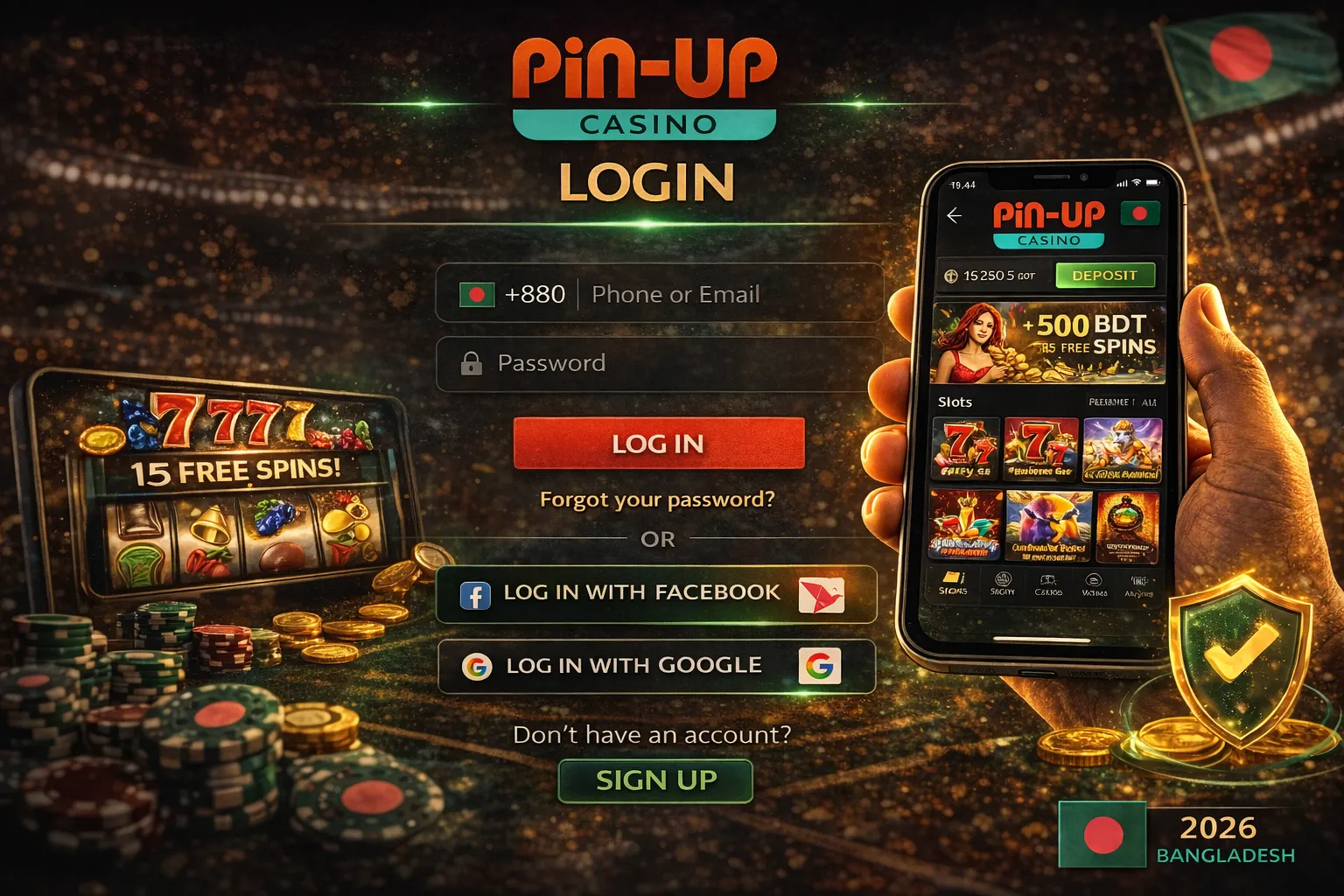
Fastest path — 1 minute to create an account. Steps:
pinup-bd26 (for 150% bonus).For those without a company phone or who want more privacy. 3 minutes to complete.
pinup-bd26.Google, Facebook or Telegram account holders — account opens in 15 seconds.
pinup-bd26 (can enter here too).Advantage: No password to remember (authenticated via Google/FB). Disadvantage: KYC will get tougher — your real name must match the social profile.
Already have an account? Sign in below.
If you registered with social — click the same social icon. Instant login.
On personal devices — check it. Stays logged in for 30 days. Don't check on shared/public devices.
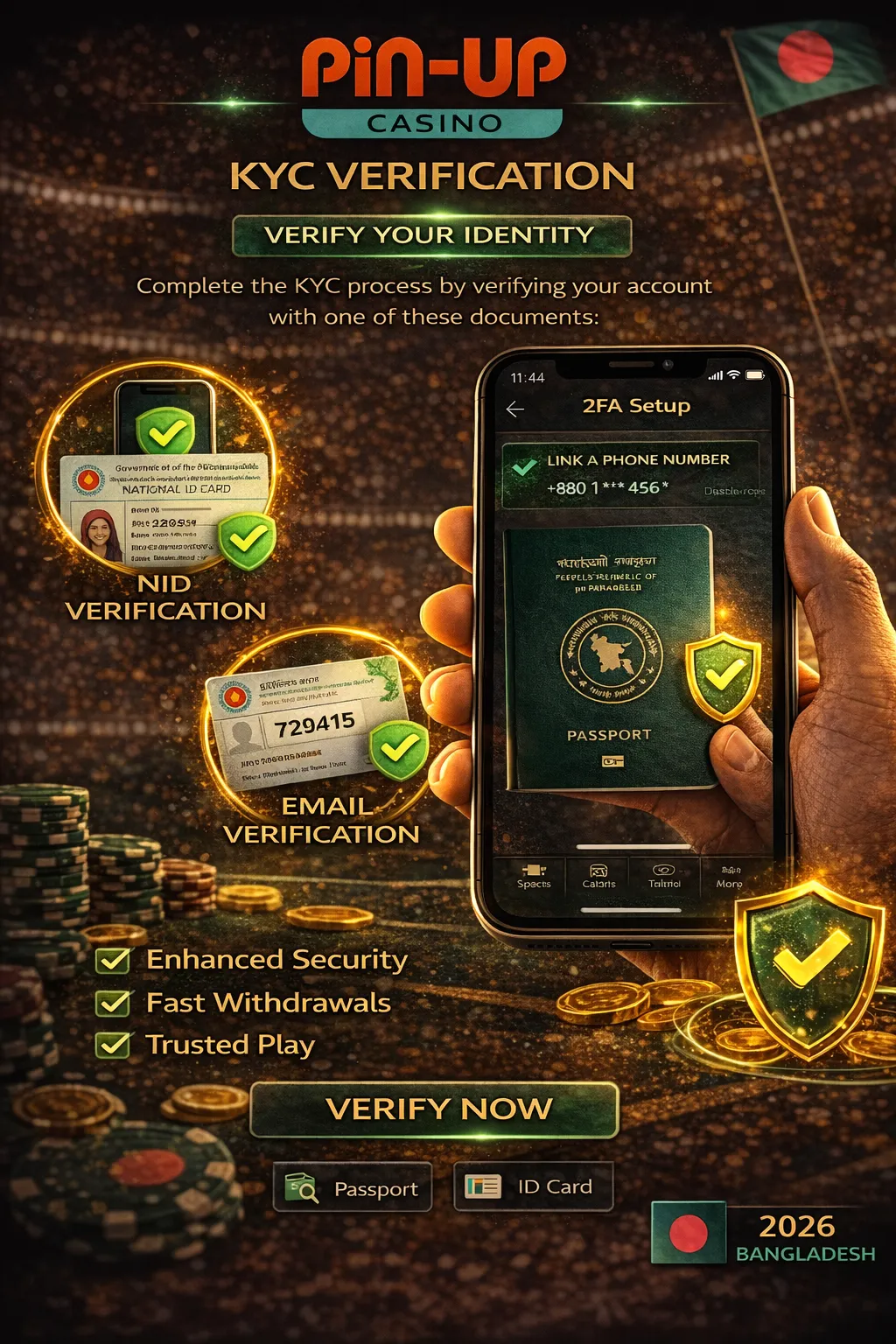
KYC (Know Your Customer) — identity verification. Curacao Gaming Control Board (Pin Up's licensor) requires AML/KYC from all licensed operators. Purpose: fraud and money-laundering prevention.
Not at deposit time. Required only before the first withdrawal. So you can open an account and start playing immediately — details in bKash deposit guide.
Any one of:
Plus: Selfie holding the ID — face and ID both clearly visible.
Sometimes: Proof of address (utility bill or bank statement < 3 months old) — usually for larger withdrawals.
Average 2–24 hours. AskGamblers data shows most players get approval within 2–6 hours. In our test it was 4 hours 12 minutes.
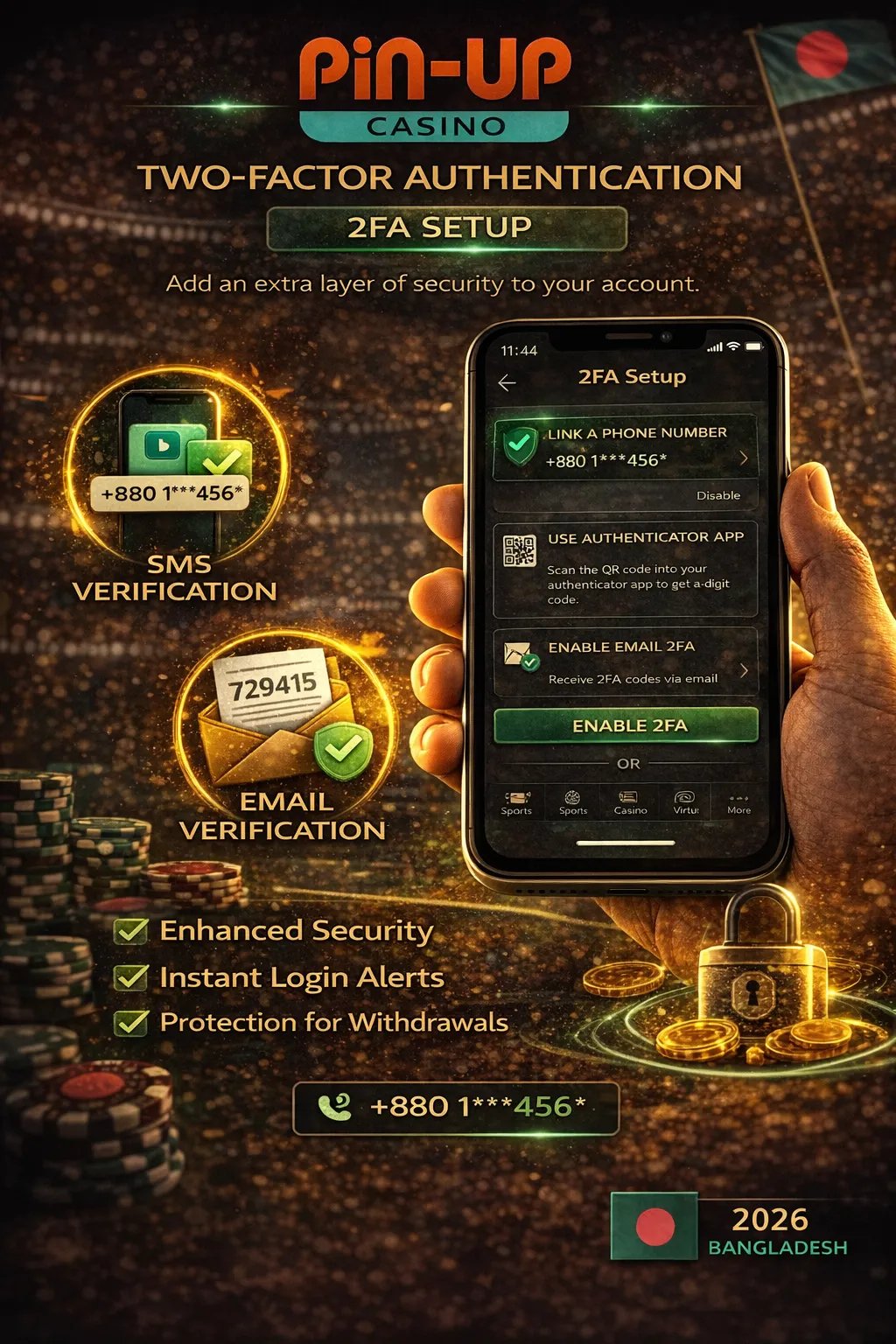
Two-Factor Authentication — extra verification via a 6-digit code in addition to your password. Even if someone has your password, they can't log in without the 2FA code.
Every login asks for the 6-digit authenticator code after the password. Code changes every 30 seconds.
Setup shows 5 backup codes — use them to log in if you lose your phone. Take a screenshot or print and keep them safe.
Forgot your password? Reset it below.
Reviews ask — "Does it really take 1 minute?", "How long is KYC?", "Any login problems?". To answer, we opened a fresh account via phone and timed everything.
| Step | Time |
|---|---|
| "Registration" button → form opens | 2 seconds |
| Phone number entry | 8 seconds |
| Currency (BDT) select | 3 seconds |
| Create password | 12 seconds |
Promo code pinup-bd26 entry | 6 seconds |
| Tick T&C → Register | 3 seconds |
| SMS OTP arrival | 23 seconds |
| OTP entry and confirm | 12 seconds |
| Profile completion (name, DoB, address) | 31 seconds |
| Total | 1 min 40 sec |
On day 2 we did bKash deposit and started KYC. NID + selfie upload — 2 min 10 sec. Verification completed: 4 hours 12 minutes.
| Parameter | Pin Up | Mostbet | 1xBet | Crickex | Baji Live |
|---|---|---|---|---|---|
| Methods | 3 (Phone/Email/Social) | 4 (+1-click) | 4 (same) | 2 (Phone/Email) | 2 (Phone/Email) |
| Signup time | 1–3 min | 1–3 min | 30 sec (1-click) | 2–4 min | 2–4 min |
| BDT currency | Yes | Yes | Yes | Yes | Yes |
| Promo code field | Yes (pinup-bd26) | Yes | Yes | Yes | Yes |
| 2FA support | Yes (Google Auth) | Yes | Yes | Limited (SMS) | Limited (SMS) |
| KYC processing | 2–24h (avg 4–6h) | 2–48h | 2–72h | 2–12h | 2–24h |
| Welcome bonus | 120–150%/৳6 Lakh | 125%/৳25,000 | 100%/৳13,000 | 200%/৳30,000 | 250%/৳20,000 |
| Social login | Google, FB, Telegram | Google, FB, VK | Google, FB | No | No |
Pin Up is best for: Fast social login users, Google Authenticator 2FA, highest welcome bonus cap (up to ৳6 Lakh). Alternatives: Fastest 1-click (1xBet). No-social registration (Crickex, Baji).
| Problem | Likely cause | Solution |
|---|---|---|
| "Invalid credentials" | Wrong password / phone | Reset password (Forgot Password) |
| OTP not arriving | SMS gateway delay | Wait 2 min → click "Resend OTP" |
| Account locked | 5+ wrong login attempts | Wait 30 min → or contact support |
| 2FA code not working | Time mismatch | Auto-sync time in authenticator |
| Phone lost (2FA) | — | Use backup codes. If none — contact support → KYC recovery |
| "Country not supported" | IP or VPN issue | Disable VPN → check IP → use mobile data |
| Social login fails | Third-party cookies blocked | Browser settings → allow cookies → retry |
| Email confirmation missing | Spam folder | Check spam → "Mark as not spam" |
pinup-bd26 for 150%Phone method 1 min 40 sec (our measurement). Email 3 minutes. Social media 15–30 seconds.
Yes — 100% free. No sign-up fee. Balance starts at 0; bKash deposit when you choose.
18+. DoB is verified at signup, confirmed by ID at KYC. Under-18 accounts are cancelled and balance refunded.
pinup-bd26?In the registration form there's a "Promo code" field — just above T&C. Details on the Pin Up bonus page.
Minimum 8 characters. At least 1 uppercase (A-Z), 1 lowercase (a-z), 1 digit (0-9). Special characters (!@#$%) optional but recommended.
No — Pin Up T&C allows one account per person, address, and IP. Multiple accounts found = all cancelled, balance refunded.
No — currency cannot be changed after registration. To switch, you must close the account and open a new one. So choose BDT correctly.
No — optional. But recommended if you keep ৳10,000+ in your account.
Yes — play and deposit work without KYC. KYC is mandatory only before the first withdrawal.
"Remember Me" checkbox — stays logged in for 30 days. Only use on personal devices.
Wait 30 minutes (auto-unlock). If still locked — email support (give phone/email). Resolution in 1–6 hours.
Technically possible, but Pin Up T&C discourages VPN — KYC needs your IP country to match your account address. Log in locally from Bangladesh.

12 years analysing online casinos in India and Bangladesh. Guided hundreds of players through registration, KYC and account security best practices.
🔄 Last updated: 14 May 2026 · ✅ Fact-checked: casino.guru · MightyTips · open-source operator data
⚠️ 18+ | Responsible Gambling
Pin Up operates under Curacao licence OGL/2024/580/0570. Prohibited for those under 18. Play within your financial means.
If you have a gambling problem: GamCare · BeGambleAware · Mental-health support in Bangladesh: Kaan Pete Roi: 09611-677777